TikTok Shop Live Selling: How to Run a Live That Actually Sells
Going live is easy. Going live and selling takes a plan, a host and a setup that looks worth buying from.
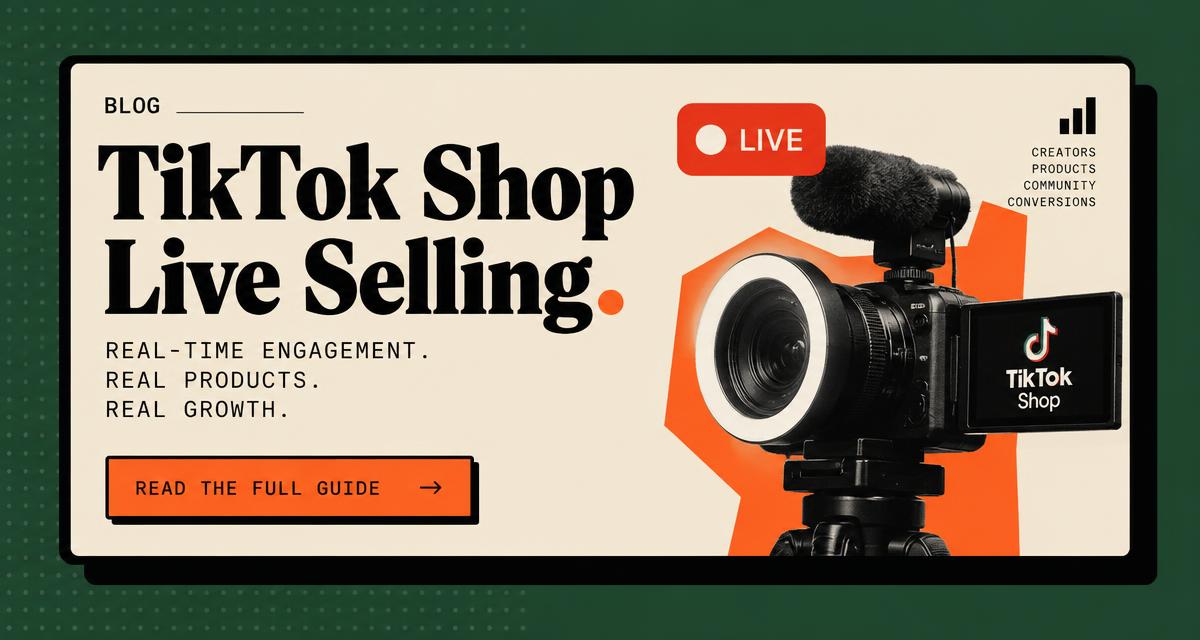
TikTok Shop lives combine entertainment and a checkout button. The brands that sell well treat each live like a show with a script, a host who can sell and production that makes the product look its best.
Build a run of show
- 1Open with the offer and a reason to stay
- 2Demo the hero product up close
- 3Answer comments by name
- 4Repeat the offer every few minutes for new viewers
- 5Close with urgency such as a limited bundle or time window
Pick the right host
A great host is part entertainer and part salesperson. They know the product, read the chat and keep energy up without sounding scripted.
Production that sells
- Good lighting on the product, not just the face
- More than one camera angle for close-ups
- Clean audio so the host is easy to hear
- A moderator watching comments and pinning links
What a live streaming agency handles
Meadowlark produces multi-camera live commerce from Los Angeles for TikTok Shop, Whatnot and Twitch, including run-of-show scripting and live moderation. See our live streaming service.
A sample 60 minute run of show
- 10 to 5 minutes: Warm welcome, what is on sale today, first flash offer.
- 25 to 20 minutes: Hero product demo, answer chat questions live.
- 320 to 30 minutes: Second product, bundle offer.
- 430 to 40 minutes: Viewer questions, social proof from comments, restate offers.
- 540 to 55 minutes: Rotate products again for new viewers joining late.
- 655 to 60 minutes: Last call, recap, tease the next live.
Who you need on a live
- Host: presents, demos and keeps energy up.
- Producer: runs the run of show, pins products, manages offers.
- Moderator: answers chat, flags questions to the host, removes spam.
- Optional co-host: helps with demos and keeps conversation flowing.
Setup checklist
- Stable internet with a wired backup if possible.
- Two light sources and a clean background.
- Products staged in the order they will be shown.
- Offers, codes and inventory confirmed before going live.
- A second device to watch the live as a viewer.
Categories that suit live selling
Products that benefit from demonstration and questions tend to suit live formats: beauty and skincare, apparel, toys and home goods. See our category guides for skincare, clothing and toys.
Repurpose every live
A one hour live contains dozens of short clips: product demos, answered questions and genuine reactions. Cut them into short-form videos and shoppable posts so the live keeps working after it ends.
Mistakes to avoid
- Going live without a run of show.
- Ignoring chat for long stretches.
- Changing offers mid-stream without explaining them.
- Ending abruptly without a recap or next date.
- Going live once and judging the channel on one session.
Planning offers for a live
Lives reward urgency that feels genuine. Plan a small number of clear offers ahead of time: a bundle, a limited time price or a gift with purchase. Announce each one clearly, repeat it for new viewers, and never invent scarcity that is not real. Viewers notice, and trust is what brings them back to the next live.
Choosing a host
A good live host is part presenter and part friend. They know the product well enough to answer unexpected questions, stay warm when chat is quiet, and keep selling without sounding like a script. Founders can be excellent hosts because they know every detail. Professional hosts bring stamina and a steady rhythm.
What to do after each live
- 1Save the recording and note timestamps of strong moments.
- 2List every question viewers asked and add the answers to your product page.
- 3Cut short clips from demos and reactions.
- 4Note which offers moved and plan the next session.
Frequently asked questions
Want UGC engineered like this for your brand?
Tell us what you sell. We will reply with a creative plan.